

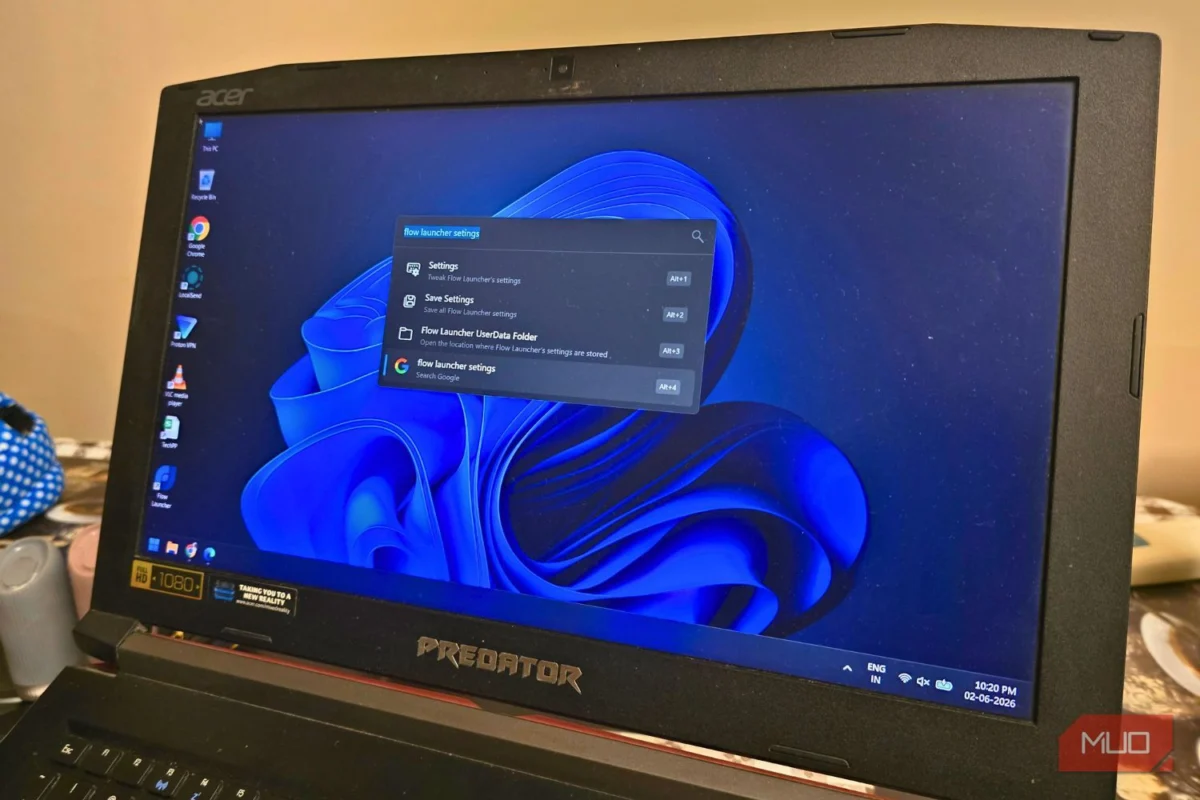
In the modern digital landscape, the operating system serves as the foundation of our productivity. Yet, for millions of Windows users, the primary gateway to their files—the Start menu search bar—has increasingly become a source of frustration rather than a tool for efficiency. What was once a snappy, local search utility has evolved into a bloated portal for web advertisements, Bing suggestions, and delayed widget loading.
For those who prioritize speed and seamless file management, the native Windows experience often feels like an obstacle. However, there is a powerful, open-source alternative that bridges the gap between Windows and the efficiency of a true "Spotlight-style" workflow: Flow Launcher.
The Evolution of Search: From Utility to Bloatware
To understand why power users are migrating to third-party launchers, one must look at the trajectory of the Windows Start menu. Historically, the Start menu was a simple, index-based map of your local drive. Over the past decade, Microsoft has pivoted toward integrating its web ecosystem directly into the local search experience.
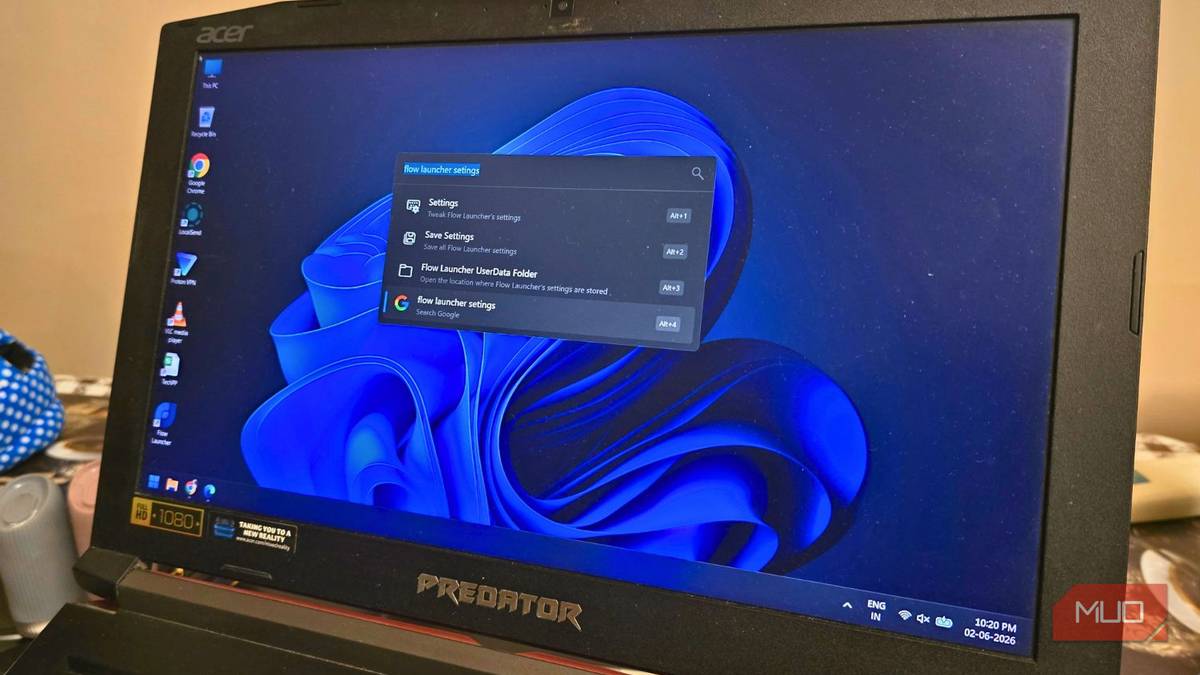
When a user triggers the Windows search bar today, the OS often initiates a multi-threaded process: it checks local indices, pings Microsoft’s servers for Bing web results, fetches sponsored suggestions, and attempts to load news or weather widgets. This architectural bloat results in the "stutter" that many users experience. When you simply want to open a document or launch an application, you are instead forced to wait for irrelevant web-based metadata to render.
Furthermore, the inconsistency of Windows indexing—particularly with external drives or deeply nested directory structures—often leads to "no results found" errors for files that are sitting in plain sight. This performance degradation has created a vacuum, and into that vacuum, tools like Flow Launcher have stepped in to restore the "keyboard-first" philosophy.
Chronology of a Productivity Shift
The transition to dedicated desktop launchers didn’t happen overnight. It began with the rise of power-user communities—particularly developers and data scientists—who sought to replicate the fluidity of the macOS Spotlight or the Linux-based Rofi/Albert launchers.

- The Early Days (2010–2015): The era of simple, lightweight search tools like "Everything" by voidtools began to change how we viewed file indexing. Everything demonstrated that searching the entire NTFS Master File Table was possible in milliseconds, provided you removed the "bloat" of web integration.
- The Rise of Wox (2015–2020): Wox emerged as one of the first truly functional, extensible, and open-source launchers for Windows. It introduced the concept of a "Command Palette" to the Windows ecosystem, allowing users to execute system commands, perform calculations, and search the web using specific keywords.
- The Modern Era of Flow Launcher (2020–Present): Flow Launcher is the spiritual successor and evolution of the Wox project. It took the core stability of its predecessors and added a robust, community-driven plugin ecosystem. Today, it stands as the gold standard for users who want to avoid the "clicking, waiting, and sighing" cycle of the native Windows Start menu.
Supporting Data: Why "Fuzzy Search" Matters
The technical superiority of Flow Launcher over the default Windows experience lies in its algorithm. While Windows Search relies heavily on exact matches and prioritized indexing of "frequent apps," Flow Launcher employs a "Fuzzy Search" algorithm.
Fuzzy search allows for near-miss matches. If you are looking for an application like "Obsidian" but mistype it as "obsi," or if you want to find "ShareX" and simply type "share," the launcher intelligently maps these partial strings to the correct execution path. This reduces the cognitive load on the user; you no longer need to remember the precise file name or wait for the system to guess what you might want.
Moreover, the latency difference is measurable. Because Flow Launcher runs as a lightweight background service without the overhead of web-widget rendering, its response time is consistently under 50 milliseconds. In contrast, the standard Windows search can often take upwards of 500 to 1,000 milliseconds to populate a complete results list, especially on older hardware or systems with high background CPU usage.
The Plugin Ecosystem: Beyond File Searching
The defining feature that elevates Flow Launcher from a mere search tool to a comprehensive productivity suite is its plugin architecture. Unlike the native Windows search, which is a "walled garden," Flow Launcher invites community contributions to expand its capabilities.
Key Capabilities and Extensions:
- AI Integration: With the official plugins for ChatGPT, Claude, and Gemini, users can prompt LLMs directly from their desktop search bar. You no longer need to switch focus to a web browser to draft a quick email or solve a coding problem.
- Media Management: Plugins exist to manage system volume, control Spotify/Apple Music, and even download media directly from platforms like YouTube or X (formerly Twitter) using simple command syntax.
- System Control: Advanced users can utilize plugins to toggle Wi-Fi, manage processes, or clear the clipboard history, all without ever touching a mouse.
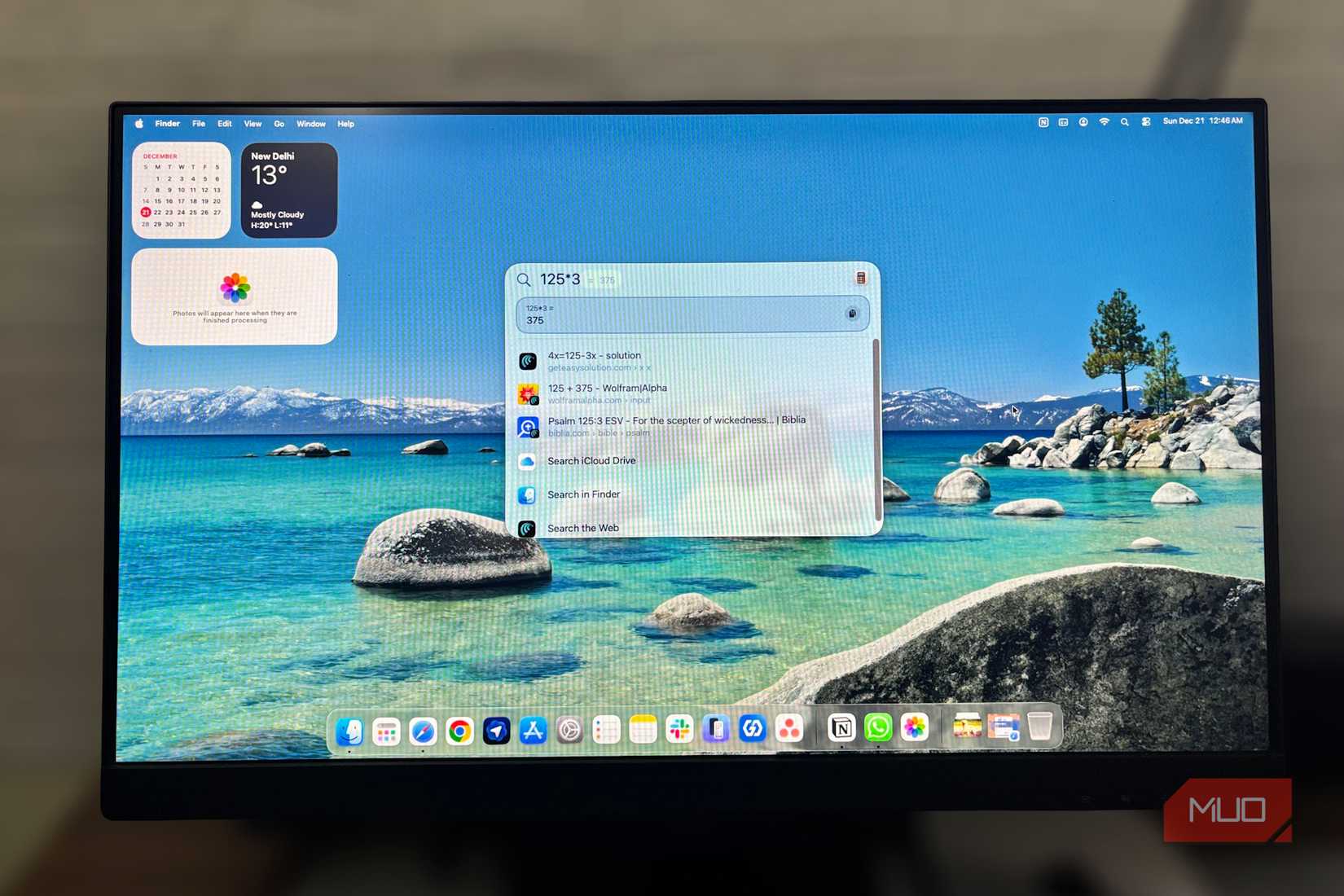
- Currency and Unit Conversion: The launcher acts as a universal scratchpad, capable of handling complex mathematical equations and real-time currency conversions instantly.
Official Stance and Implications for the User
While Microsoft continues to push its "Copilot" and "Web-Integrated" search experience as the future of Windows, the rise of Flow Launcher carries a clear message from the user base: Efficiency is not synonymous with connectivity.
For the professional, the student, and the developer, the "implication" of using a tool like Flow Launcher is a fundamental change in the "Flow State." By keeping one’s hands on the keyboard and keeping the interface minimal, users report a reduction in the "context switching" that plagues modern digital work.
However, there is a trade-off. Because Flow Launcher is a third-party utility, it requires a marginal amount of initial setup. It does not automatically "know" your entire system better than the OS does; it requires the user to define indexed folders. Furthermore, for the absolute best performance, the developers suggest pairing it with Everything Search. By using the "Everything" engine to feed file paths to Flow Launcher, users can achieve a search experience that is virtually instantaneous, even on massive storage arrays.
Setting Up Your New Workflow: A Quick Guide
If you are ready to ditch the lag of the Windows Start menu, the setup process is remarkably straightforward:
- Download and Install: Visit the official Flow Launcher website and download the latest installer.
- Integrate Everything Search: For the best performance, install the "Everything" tool from voidtools. Configure the plugin inside Flow Launcher settings to sync with the Everything database.
- Customize Your Shortcut: By default, the launcher uses
Alt + Space. This is generally preferred by macOS converts, but you can remap this to any combination that feels natural. - Explore the Plugin Store: Open the settings menu and navigate to the "Plugins" tab. From here, you can browse hundreds of user-created extensions. Do not feel overwhelmed; start by adding a simple calculator or an AI chat plugin to see how it changes your daily workflow.
Conclusion: Reclaiming the Desktop
The beauty of the Windows ecosystem has always been its customizability. When Microsoft’s native solutions prioritize marketing or telemetry over pure, localized speed, the open-source community provides the necessary remedies.
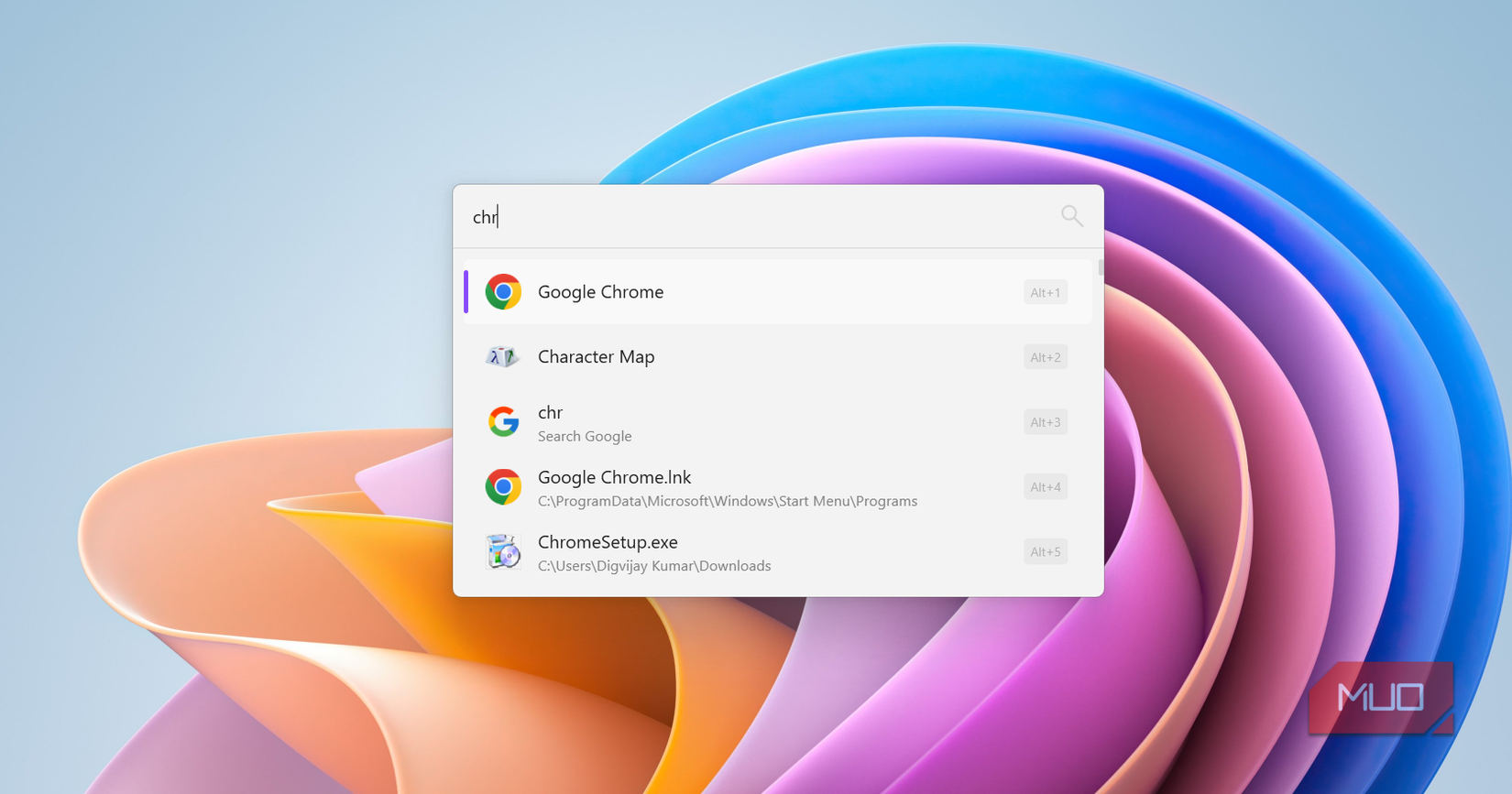
Flow Launcher is not just another app to install; it is a philosophy of computing that puts the user in total control. It removes the friction between intent and action. By shifting away from the bloated, ad-supported search of the modern Start menu and adopting a keyboard-first approach, you aren’t just saving a few seconds per search—you are reclaiming the cognitive focus that is so easily lost in the clutter of a slow, non-responsive interface.
In a world where software is increasingly designed to keep you inside a specific ecosystem, Flow Launcher offers the freedom to work exactly how you want to work: fast, focused, and entirely on your own terms.